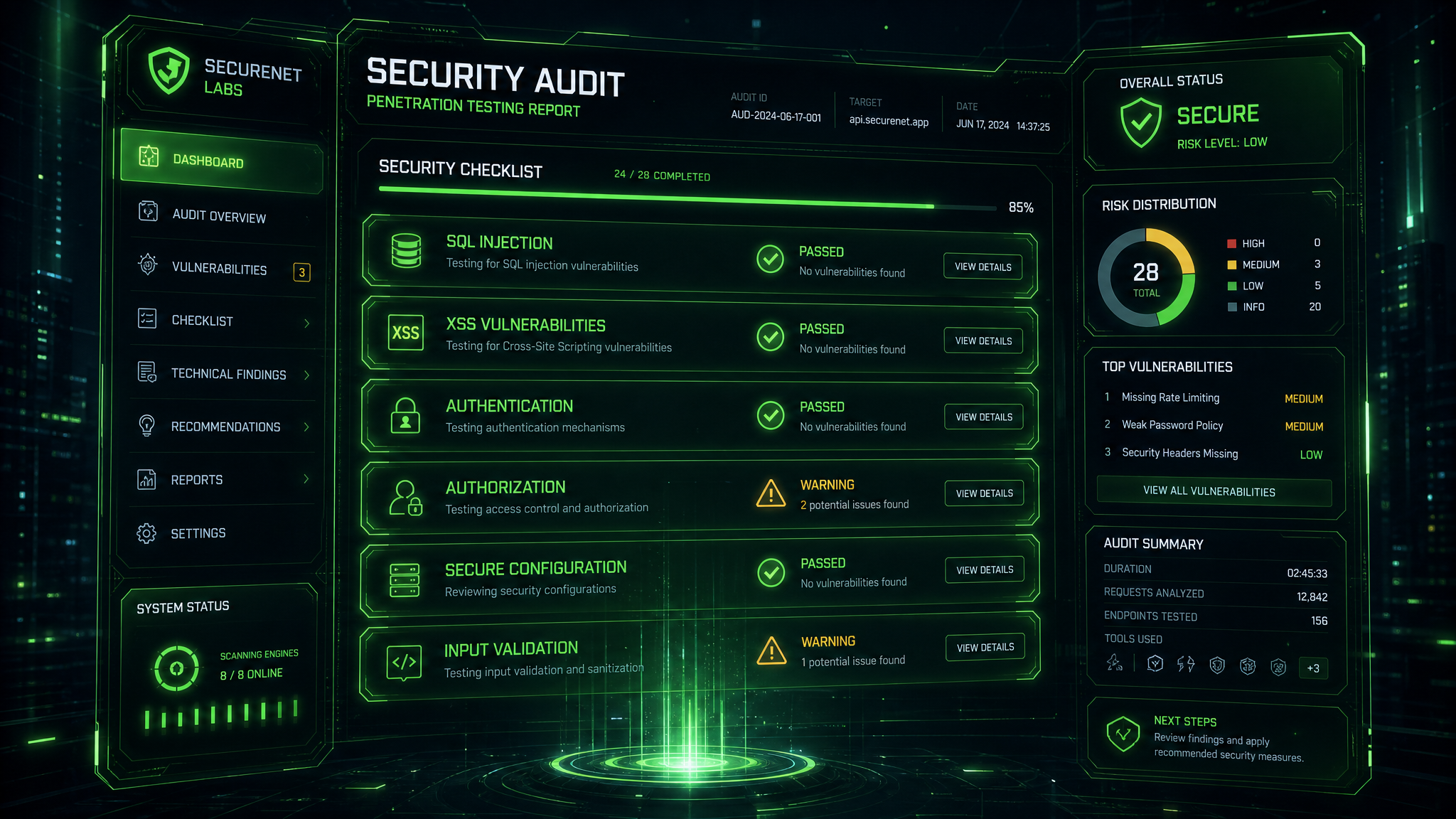
Pre-Launch Pentesting Checklist for Website Owners
Before you deploy a website or web application, it is worth checking the most common security weak points that attackers typically target first. A pre-launch pentest is not only about finding bugs in code, but also about verifying configuration, access control, session handling, and exposed infrastructure. The goal is to catch issues early, when fixing them is faster and cheaper.
Use this checklist as a minimum security baseline before going live with any public-facing service.
1. HTTPS, Certificates, and Transport Security
- Is HTTPS enforced on every page, not only on login forms?
- Is the SSL/TLS certificate valid, correctly installed, and renewed automatically?
- Are weak protocols and ciphers disabled?
- Is HSTS enabled with an appropriate max-age value?
- Are HTTP-to-HTTPS redirects permanent and free of redirect loops?
Recommendation: also verify that cookies are marked as Secure so they are not sent over plain HTTP.
2. Authentication and Session Security
- Are passwords hashed with a modern algorithm such as Argon2 or bcrypt?
- Are weak password policies blocked, and are password reset links time-limited?
- Do JWT tokens expire properly and include secure signing settings?
- Are sessions invalidated after logout and after password changes?
- Are session cookies protected with HttpOnly, Secure, and appropriate SameSite settings?
Check whether multi-factor authentication is available for admin accounts and whether brute-force protection is enabled on login endpoints.
3. Authorization and Access Control
- Can a regular user access admin-only pages or API actions?
- Is object-level authorization enforced on every request?
- Are direct object references protected against unauthorized access?
- Do roles and permissions follow the principle of least privilege?
- Are hidden features, staging panels, and debug interfaces removed from production?
Common risk: an application may authenticate users correctly but still allow privilege escalation because authorization checks are missing in the backend.
4. Input Validation and Injection Prevention
- Is all input validated server-side, not only in the browser?
- Are SQL queries parameterized and never built through string concatenation?
- Are outputs encoded properly to prevent XSS?
- Are file uploads restricted by type, size, and storage location?
- Are dangerous characters and malformed payloads handled safely?
Test forms, search fields, URL parameters, headers, and JSON bodies. Attackers often exploit the least expected input field.
5. API Security
- Do API endpoints require authentication where needed?
- Is rate limiting enabled to reduce brute-force and abuse attempts?
- Are CORS rules limited to trusted origins?
- Are sensitive fields excluded from API responses?
- Are versioning and deprecated endpoints reviewed before release?
If your website uses mobile apps, SPAs, or third-party integrations, test the API separately. Weak API security is one of the most common sources of data exposure.
6. Security Headers and Browser Controls
- Is Content-Security-Policy configured to reduce XSS impact?
- Are X-Frame-Options or frame ancestors set to mitigate clickjacking?
- Is X-Content-Type-Options set to nosniff?
- Are referrer policies appropriate for your data sensitivity?
Security headers do not replace secure coding, but they can significantly reduce the impact of a successful attack.
7. Dependencies, Configuration, and Secrets
- Are frameworks and libraries up to date?
- Are known vulnerable packages removed from the dependency tree?
- Are secrets stored outside the repository and CI logs?
- Are default credentials, sample accounts, and test endpoints removed?
- Are production settings separated from development settings?
Important: verify environment variables, API keys, database credentials, and cloud access tokens before deployment. A leaked secret can be more damaging than a code vulnerability.
8. Logging, Monitoring, and Incident Readiness
- Are authentication failures, privilege changes, and admin actions logged?
- Are logs protected from tampering and sensitive data leakage?
- Are alerts configured for suspicious activity?
- Can you quickly identify the source, timing, and scope of an incident?
Good logs help with both detection and forensic analysis, but they should never contain passwords, tokens, or full card data.
9. Final Pre-Deployment Test
- Review the application from an attacker’s perspective.
- Check the public attack surface: ports, subdomains, admin panels, and backups.
- Run a final scan for misconfigurations and exposed test data.
- Validate that backup and recovery procedures actually work.
Best practice: perform a professional pentest on the production-like environment before launch, especially for e-commerce, SaaS platforms, customer portals, and systems that process personal data.
Need a Professional Pentest?
If you are not fully sure whether your website is ready for release, MonMyIP can help you verify it before attackers do. Our pentesting approach focuses on real-world risks, practical remediation, and clear reporting for developers and business owners.
Order a professional pentest from MonMyIP and deploy with confidence.